
Google Cloud AI covers tools for building and operating AI applications. As of 2 October 2026, Google's former Vertex AI documentation entry redirects to Gemini Enterprise Agent Platform. Current documentation presents it as a platform for building, scaling, governing and optimising agents, while Vertex AI names remain in machine-learning APIs, SDKs and release notes. That is a different role from opening a consumer chatbot and typing a question, even when related model technology appears in both.
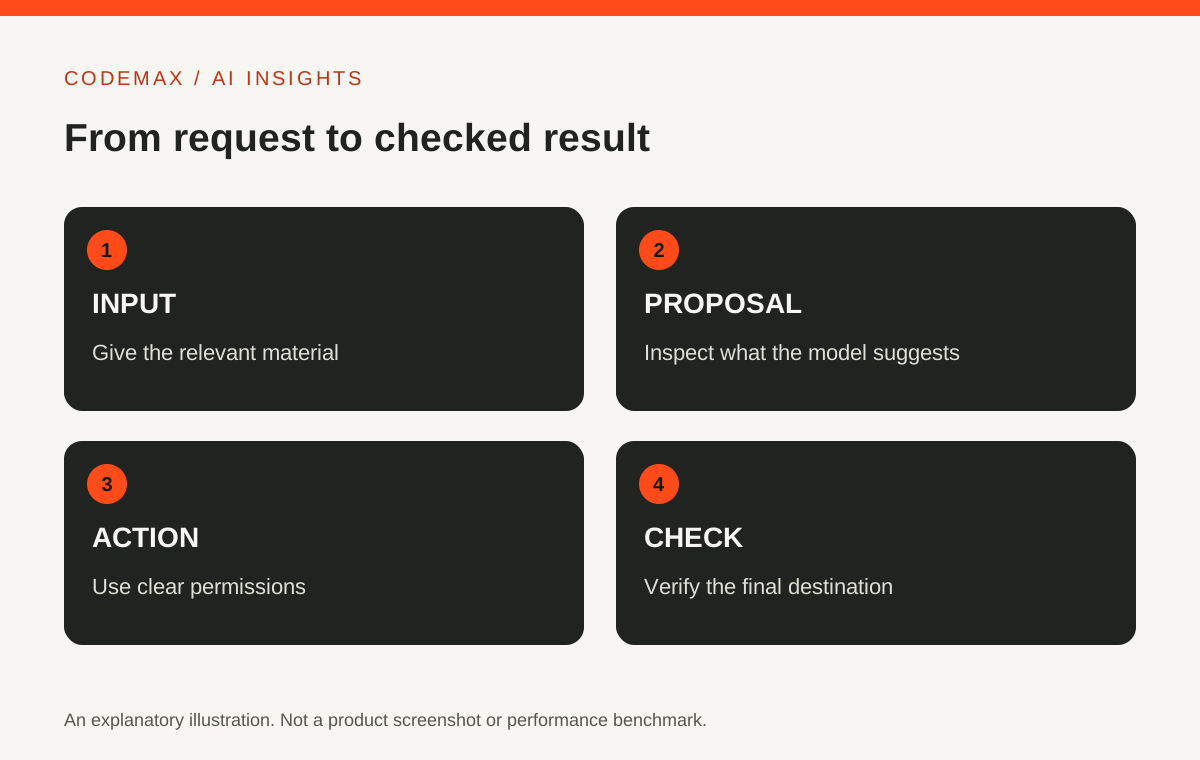
Start with the application you want to build
Describe the input, expected output and person using the result. A document-search tool, an image classifier and a writing assistant have different requirements. Calling the project an AI platform does not make those requirements disappear.
For a first pilot, keep the scope small enough to evaluate. A search tool over a limited set of approved documents can be easier to test than an assistant expected to know everything across an organisation. Write down what it should do when an answer is missing.
Understand the current platform
Google's current documentation describes Gemini Enterprise Agent Platform as combining tools for agents, models, machine-learning workflows, deployment, evaluation, governance and observability. Model Garden is its AI and machine-learning model library for discovering, testing, customising and deploying models and assets from Google and its partners. The available models and interfaces change, so check the current documentation before following a tutorial that uses older Vertex AI labels.
A platform can provide infrastructure without supplying a finished user experience. Your project still needs the surrounding application: how people enter a request, how access is controlled, how results are displayed and how failures are reported.
Keep data access explicit
List which documents or records the application may use. Decide who owns that data and how users are authorised to see it. A search result should not reveal a document simply because it exists in the same storage system.
Test the access rules with accounts representing different permissions. Use non-sensitive sample data during the first experiment. Correct answers for an administrator do not demonstrate that the application handles a restricted user correctly.
Compare results against a baseline
Create a small evaluation set with expected answers and examples where no answer should be returned. Compare the AI workflow with the existing search or manual process. Note errors, missing information and the time required to review the output.
Include the full cost of the experiment: model use, storage, related services and development effort. Provider pricing and quotas can change, so use Google's current pricing calculator and Cloud Billing guidance rather than a number copied from an old article. This guide does not assume a free production deployment.
Plan operation before expanding
Someone needs to monitor failures, respond to access problems and update the application when its dependencies change. Record the model and configuration used for each evaluation so later changes can be assessed fairly.
Google Cloud AI is relevant when you need an application built around AI capabilities and managed infrastructure. If your goal is occasional drafting or brainstorming, a ready-made assistant may be a simpler starting point. Choose according to the work, not the size of the platform catalogue.
Sources and further reading
- Google Cloud: Gemini Enterprise Agent Platform documentation
- Google Cloud: Model Garden overview
- Google Cloud: Estimate your monthly costs
Source-based explainer researched on 2 October 2026. Product features and availability can change. Examples are illustrative unless identified as reported research.
Explore more AI news and insights or browse the CodeMax journal.