
A beautiful image is only useful if someone can find it. AI image recognition offers a practical application beyond generating new pictures: organising photographs so people can locate the ones they need.
This explainer revisits a NASA report published on 24 July 2022, rather than presenting it as a new announcement. The report describes machine learning used to identify and catalogue photographs taken from the International Space Station.
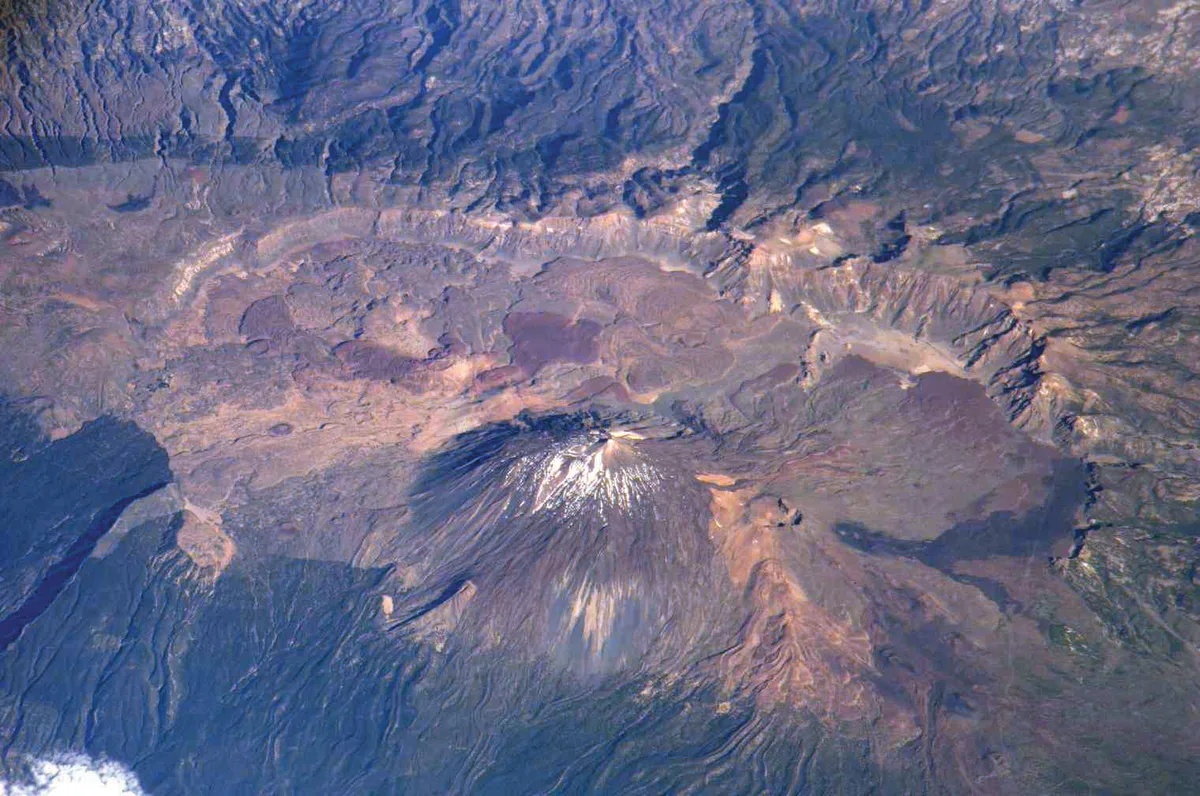
What the NASA example shows
NASA’s Earth Science and Remote Sensing team used machine learning to make astronaut photography easier to search. The report also illustrates the value of a photographic record with mosaics of Egypt’s Toshka Lakes from different years.
The photographs below provide historical context. They are assembled from astronaut images; they are not AI-generated predictions of the landscape.
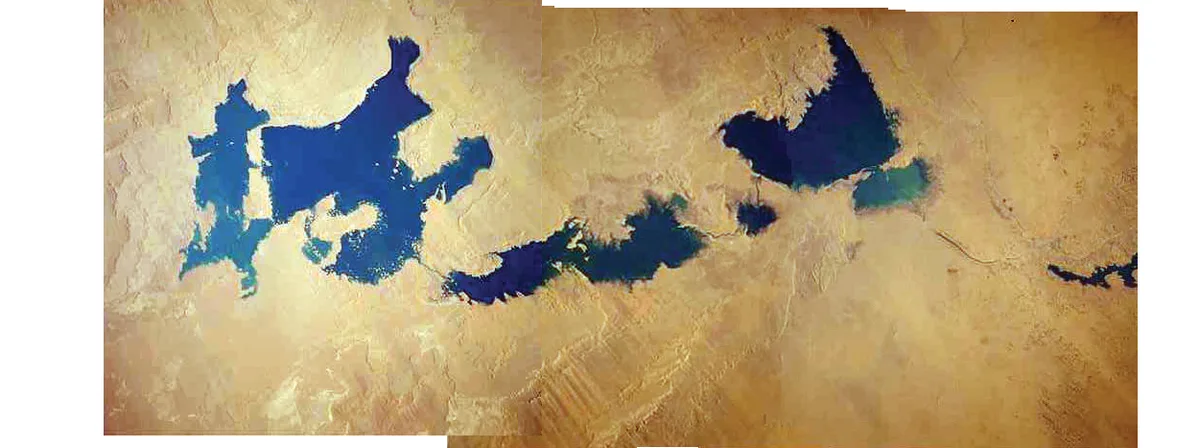
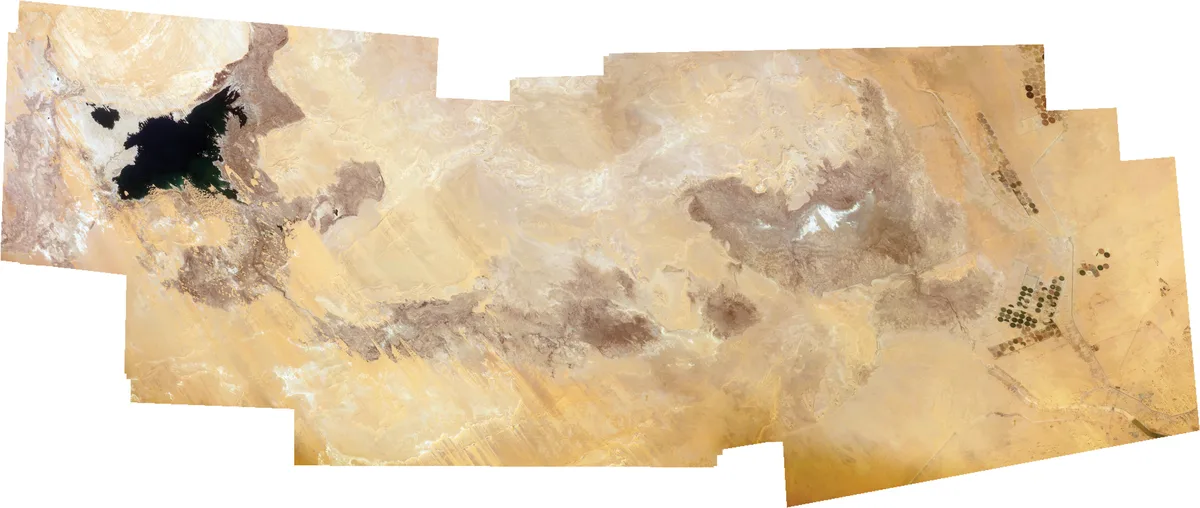
The website lesson: make existing content easier to find
The following is CodeMax’s practical interpretation, not a NASA recommendation. A business website can have a smaller version of an image-discovery problem: plenty of useful photographs, but no clear way to navigate them.
Consider an illustrative Melbourne photography portfolio. A visitor wants outdoor maternity photographs, but weddings, portraits and product shoots all appear in one long gallery. Uploading another hundred images does not solve that visitor’s problem. Useful categories and clear descriptions are a better starting point.
Use AI suggestions as a first pass
For a large archive, an image-tagging tool could suggest categories for human review. Begin with one gallery and a short list of useful labels. Check whether the tool identifies the subject consistently and whether its suggestions help someone find a relevant example.
Do not let a tool invent details that the photograph cannot establish. A picture of a house does not confirm the suburb, architect, construction date or building materials. Keep verified project information separate from visual guesses.
Write descriptions for the person using the page
A caption can explain a project’s context, while alternative text describes meaningful visual information for people who cannot see the image. Neither should become a list of repeated keywords. Review descriptions in the context of the page and avoid publishing unverified AI output.
For example, “Outdoor maternity portrait beneath trees” is more useful than a filename such as DSC_1048. Add a location only when you know it is correct. A decorative image may need different treatment from a photograph carrying essential information.
Test a small gallery before expanding
- Choose one collection with a clear visitor purpose.
- Create a few categories based on what visitors need to find.
- Review suggested labels against the actual photographs.
- Ask someone unfamiliar with the collection to find a specific example.
- Record confusing labels and improve them before processing the rest.
This is a suggested workflow, not a reported experiment. No particular improvement in enquiries, search rankings or task speed is guaranteed. The useful test is whether the revised gallery helps your visitors complete their task.
Keep real photographs connected to their source
The three images in this article retain their historical context and source credits. For a business portfolio, apply the same principle: explain what a photograph shows, identify generated illustrations when used, and avoid implying relationships or results that the image does not prove.
Start your next AI project with a specific question: what should become easier for the person using this website? Finding a project, comparing products or understanding a service gives the work a practical purpose.
Sources and image credits
- NASA: AI-Spy with My Little Eye — published 24 July 2022; source page updated 9 May 2024.
- NASA image and media usage guidelines.
All three images: NASA; resized and converted to WebP for display. This independent CodeMax explainer is not endorsed by NASA. Sources checked 12 October 2026.